The Web Shield: 2025 Guide to Digital Fortification
Securing a website is no longer just for e-commerce giants; in 2025, even small personal blogs are targets for automated bots. Security is a multi-layered process that involves protecting your server, your data, and your users.
1. The “Must-Haves” (Foundational Security)
These are the non-negotiables that every website owner should implement immediately.
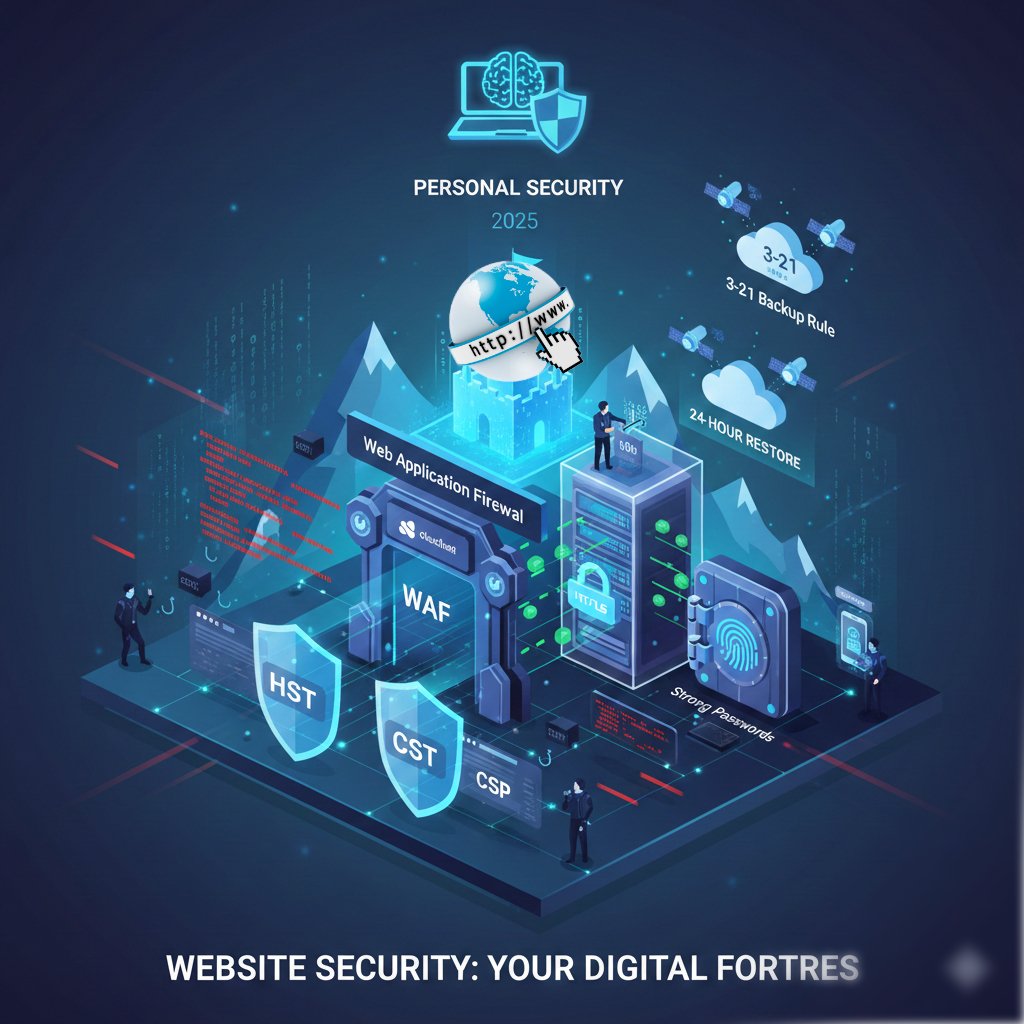
- HTTPS (SSL/TLS Certificate): This encrypts the data sent between your visitor’s browser and your server. Most hosts offer Let’s Encrypt certificates for free. Without this, browsers will flag your site as “Not Secure.”
- Strong Password & MFA: Use a password manager to generate unique, complex passwords. Enable Multi-Factor Authentication (MFA) for your admin dashboard; this blocks 99.9% of automated account takeover attempts.
- Automatic Backups: Follow the 3-2-1 rule: 3 copies of your data, on 2 different media types, with 1 copy off-site (cloud). If you get hacked, a 24-hour-old backup is your “undo” button.
2. Infrastructure & Software Hardening
Hackers often look for “low-hanging fruit,” such as outdated software or default settings.
- Keep Everything Updated: Outdated CMS versions (like WordPress or Joomla), plugins, and themes are the most common entry points for hackers. Enable auto-updates for security patches.
- Web Application Firewall (WAF): A WAF like Cloudflare or Sucuri sits in front of your site and filters out malicious traffic (like SQL injection or DDoS attacks) before it ever reaches your server.
- Principle of Least Privilege: Only give people the access they need. A guest blogger doesn’t need “Administrator” rights; give them “Contributor” or “Author” status instead.
3. Technical Safeguards
If you have access to your site’s configuration or code, implement these deeper protections:
- Sanitize User Input: Never trust data from a form. Ensure your code “cleans” input to prevent SQL Injection (where hackers run commands on your database) and XSS (where they inject malicious scripts into your pages).
- Set Security Headers: Use HTTP headers to tell the browser how to behave securely.
- HSTS: Forces the browser to only use HTTPS.
- Content Security Policy (CSP): Tells the browser which scripts are allowed to run, stopping unauthorized code.
- Change Default Paths: Many bots look for
/wp-adminor/admin. Changing your login URL to something custom can drastically reduce brute-force attempts.
Website Security Checklist
| Feature | Action | Frequency |
| SSL Certificate | Ensure it is active and auto-renews | Yearly/Ongoing |
| Software Updates | Check for plugin and core updates | Weekly |
| Backups | Verify that a recent backup exists | Daily |
| User Audit | Remove old or inactive accounts | Monthly |
| Malware Scan | Run a deep scan of all files | Weekly |
Pro Tip: Don’t forget your personal security. If your own computer is infected with a keylogger, a hacker can bypass almost all of these measures by simply stealing your admin password. Keep your local OS and antivirus updated too.